case study
Made-Work
Led research and design for a digital business card app used by over 70 business owners in North Carolina. Owners build a profile once, share it by QR code, link or social apps, collect contacts back, and see who viewed it.
- Timeline
- Jul 2022 to Feb 2023
- Team
- Me + developers
- Adoption
- 70+ business owners
- Role
- Product Research, UX Design, UI Design, Design System, Developer Handoff
Background
Business owners still print paper cards, hand them out one at a time, and retype the contact details they receive. I set out to replace that with one profile people could share from their phone in a few taps.
Before designing, I compared the closest tools. Linktree and Feedlink share links well but offer no QR code or business card. Blinq has QR sharing and contact management, but no analytics and only one layout. No single product covered sharing, contact capture, insights and a profile that looks like the business.
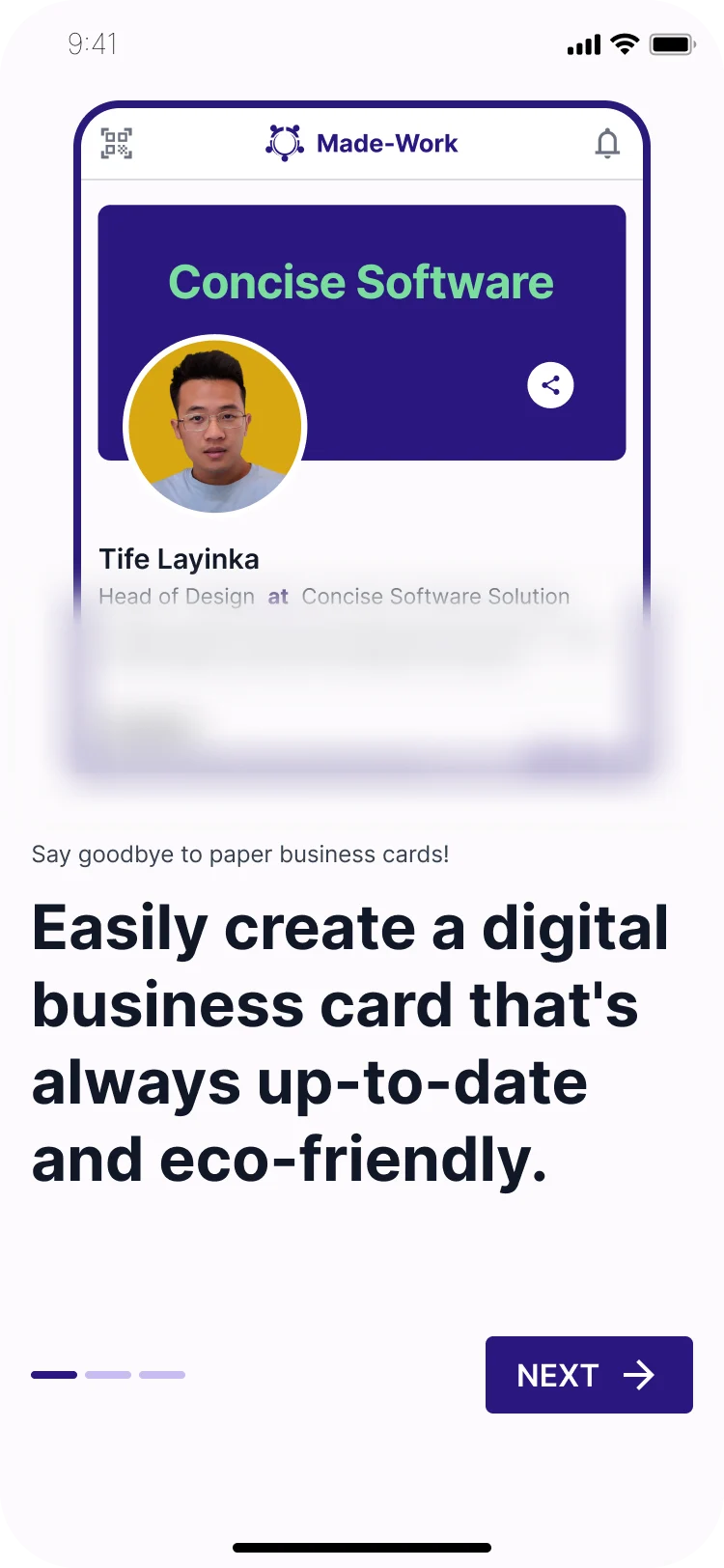

Onboarding and sign up
From first launch to a verified account.
What needed to change
- Reduce the cost of printing and the stress of swapping paper business cards.
- Cut the time it takes to manually enter contact details from other business owners.
- Give business owners a stress-free way to create a personalised business profile.
- Show users how many people view their business card.
Key decisions
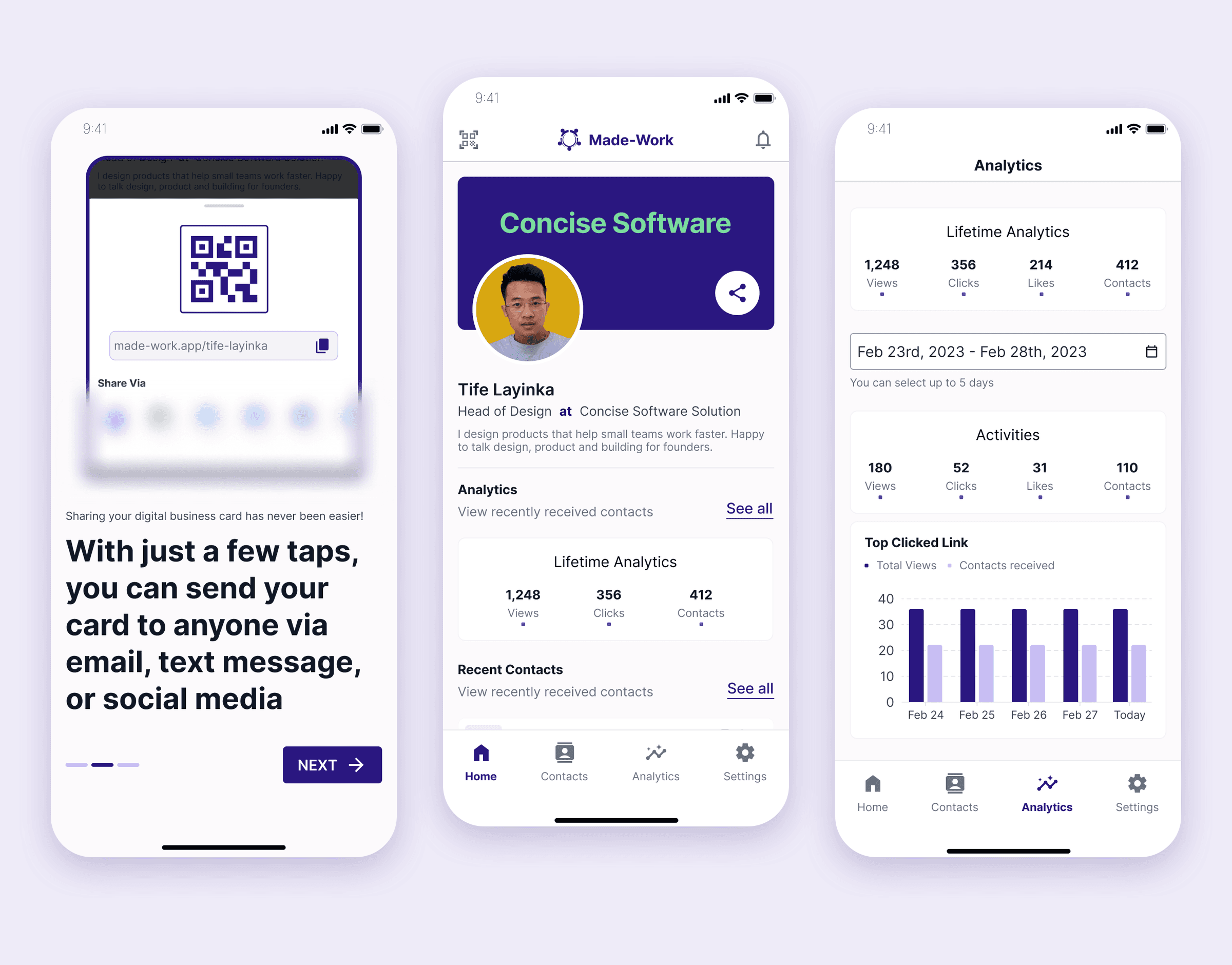
Most card swaps happen face to face, where scanning is fastest and the other person does not need the app. So the share sheet puts the QR code first, then a copyable profile link, then Bluetooth, WhatsApp, Twitter, Facebook, LinkedIn and Telegram. Someone without the app can still receive a card.
The competitor gap was analytics, so the home screen shows lifetime views, clicks and contacts up front, and the analytics tab breaks activity down by date range and top clicked link.
Profiles had to look like the business, not like everyone else's. Users pick a template and a brand colour during setup. The free plan includes three templates: enough to give people a real choice before paying, while more layouts stay a reason to upgrade.
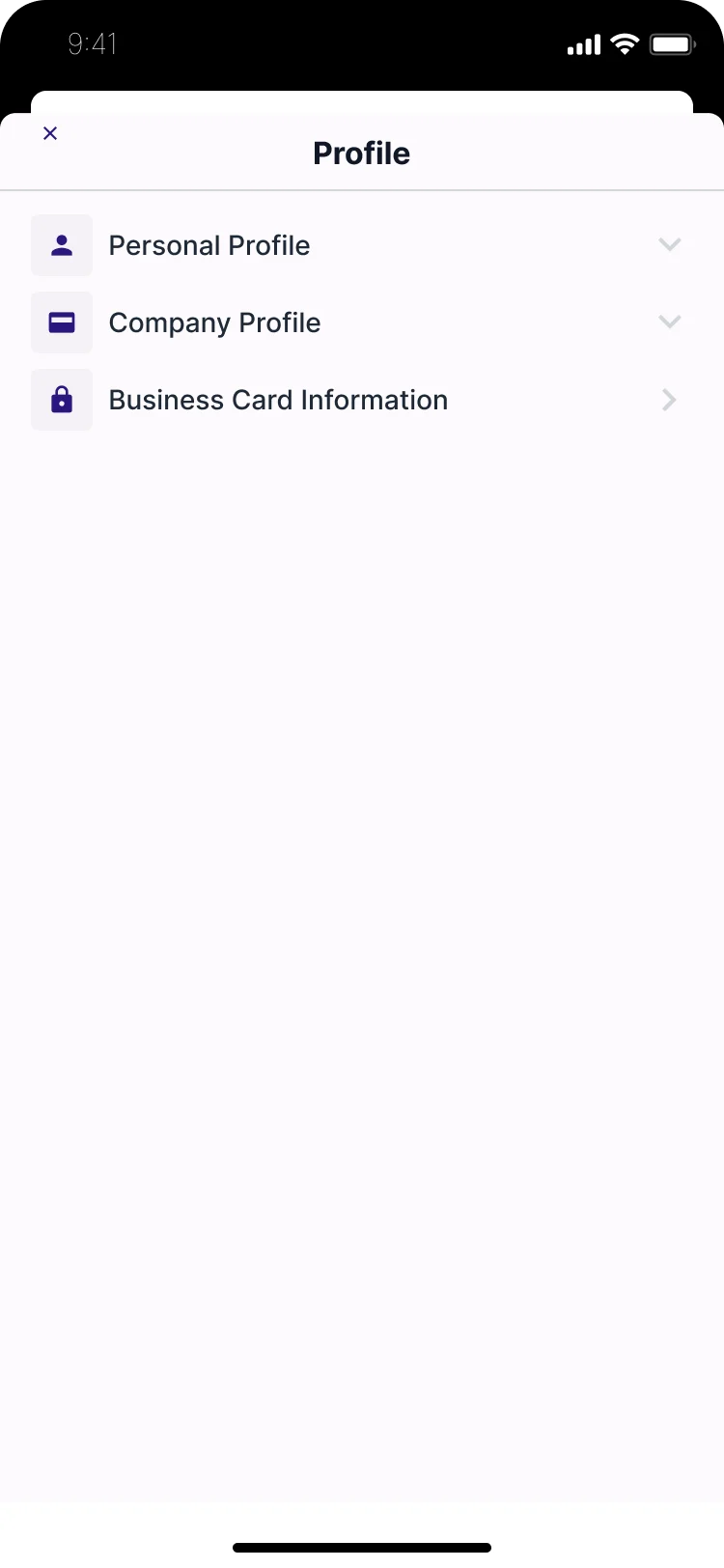
Setup is split into small steps (personal profile, company details, social links, QR code, template) so a business owner can get a working card in one sitting.
Scope of work
- Problem framing and competitor analysis (Linktree, Feedlink, Blinq)
- Onboarding, sign-up and password reset flows
- Profile setup: personal details, company details and social links
- QR code setup, profile templates and colour choices
- Sharing by QR code, link, Bluetooth and social apps, plus a QR scanner
- Contacts, analytics, notifications, subscriptions and settings
- Design system: cards, forms, navigation and social components
The product
Key screens from onboarding, profile setup, sharing and analytics.
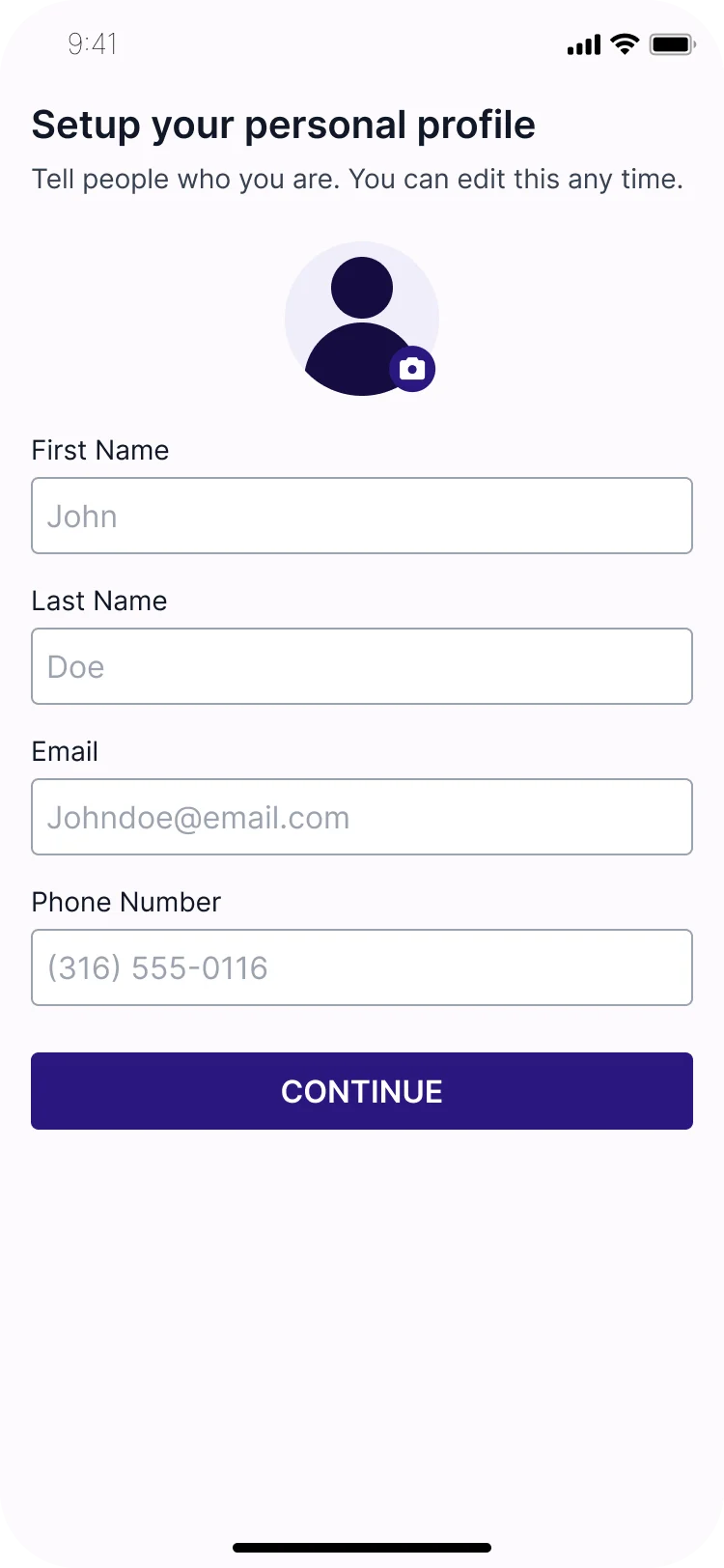
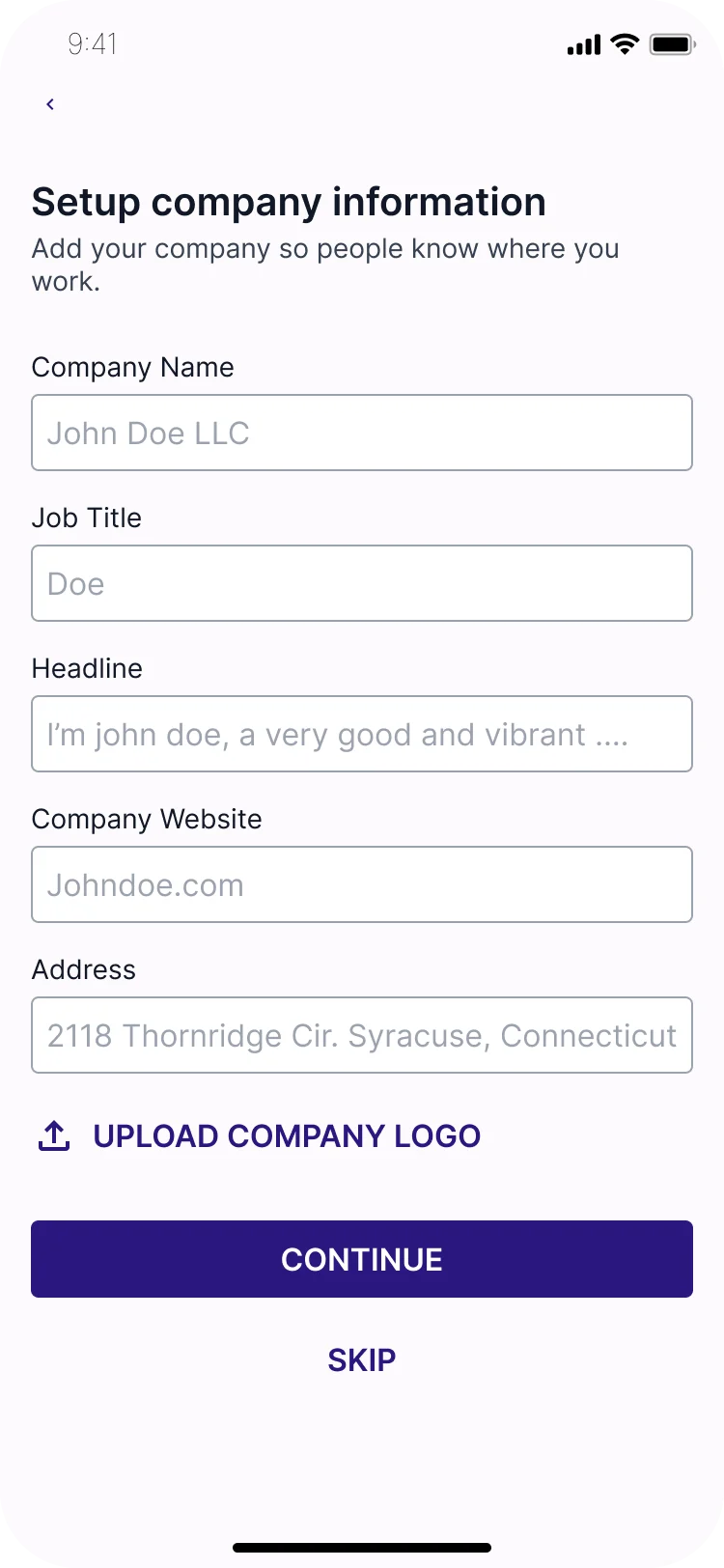

Set up your card
Small steps, so a business owner has a working card in one sitting.
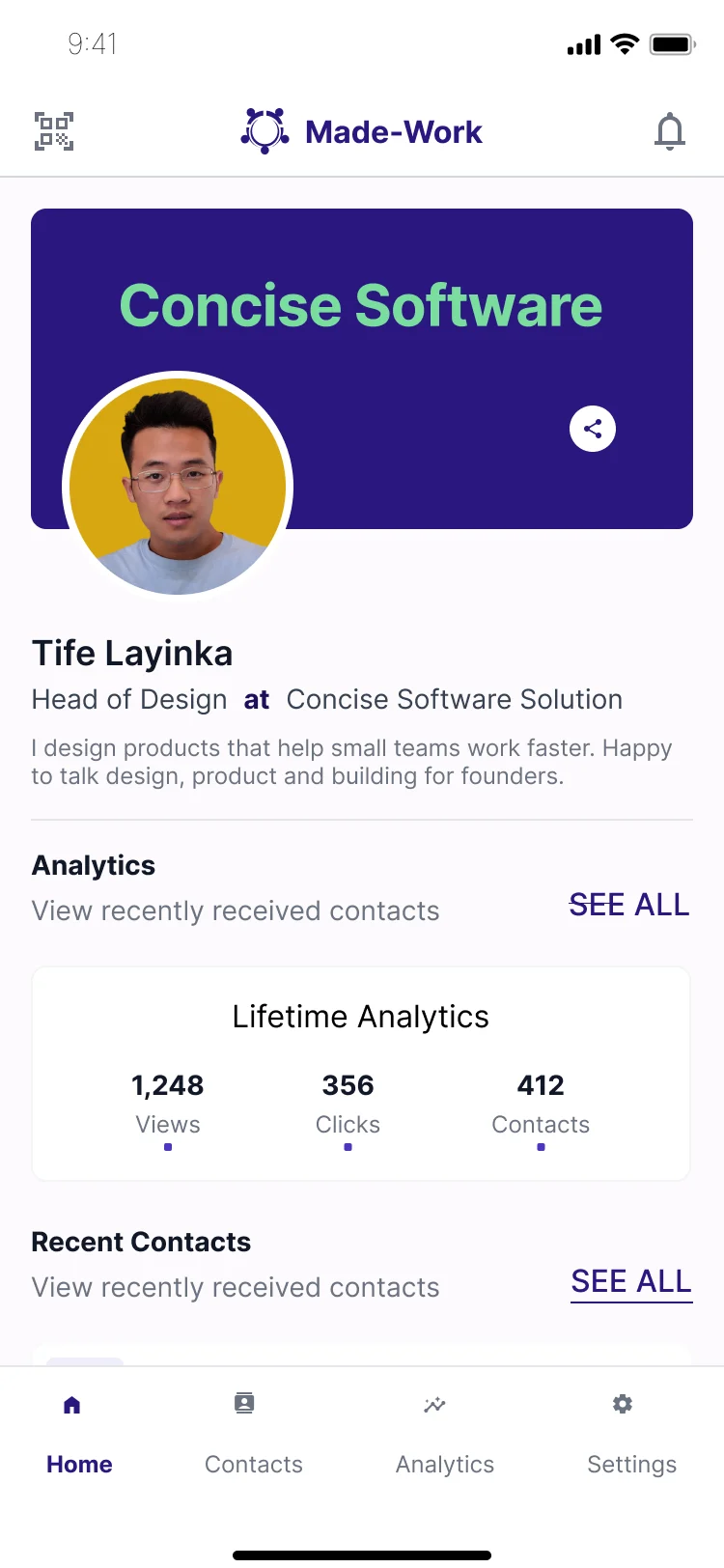
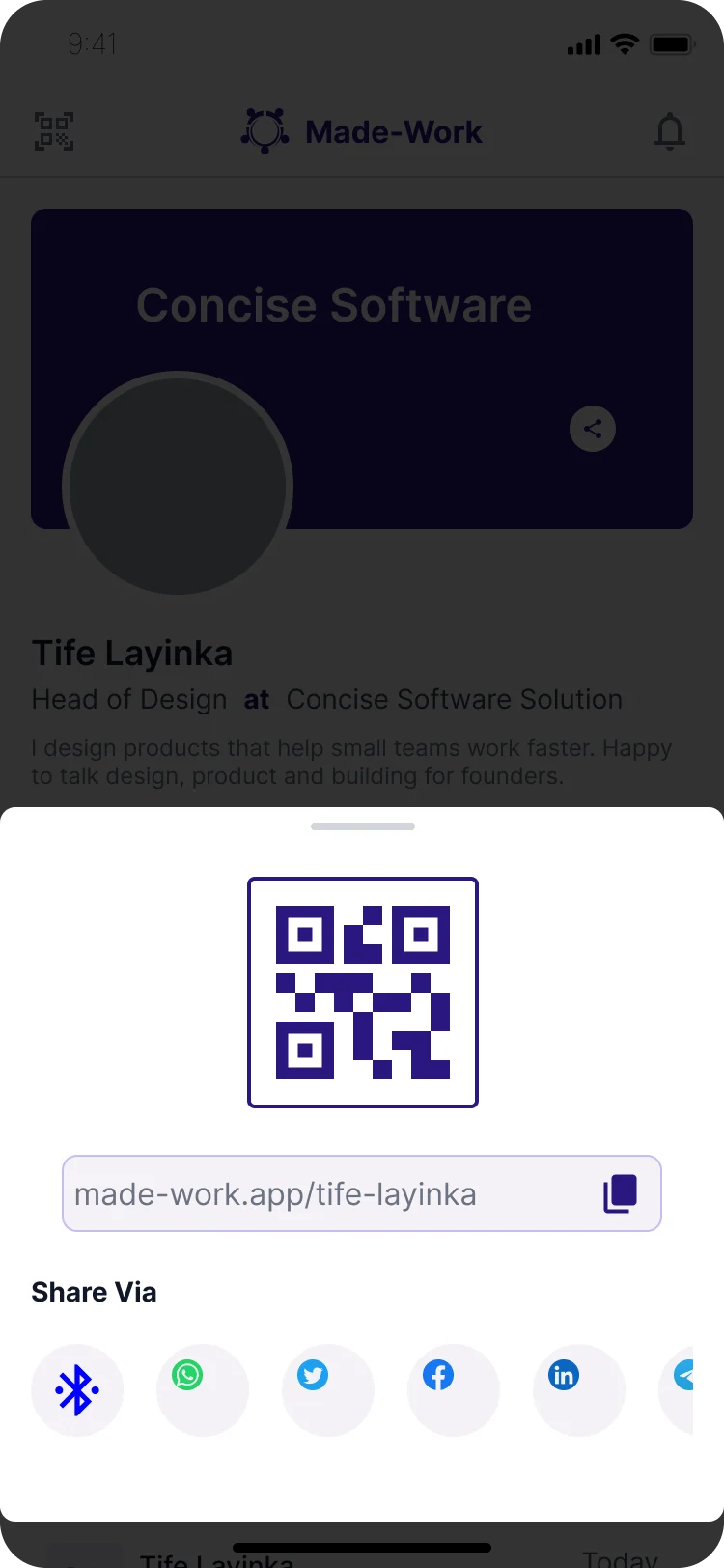

Share and follow up
The everyday loop: share the card, collect contacts, see who viewed it.
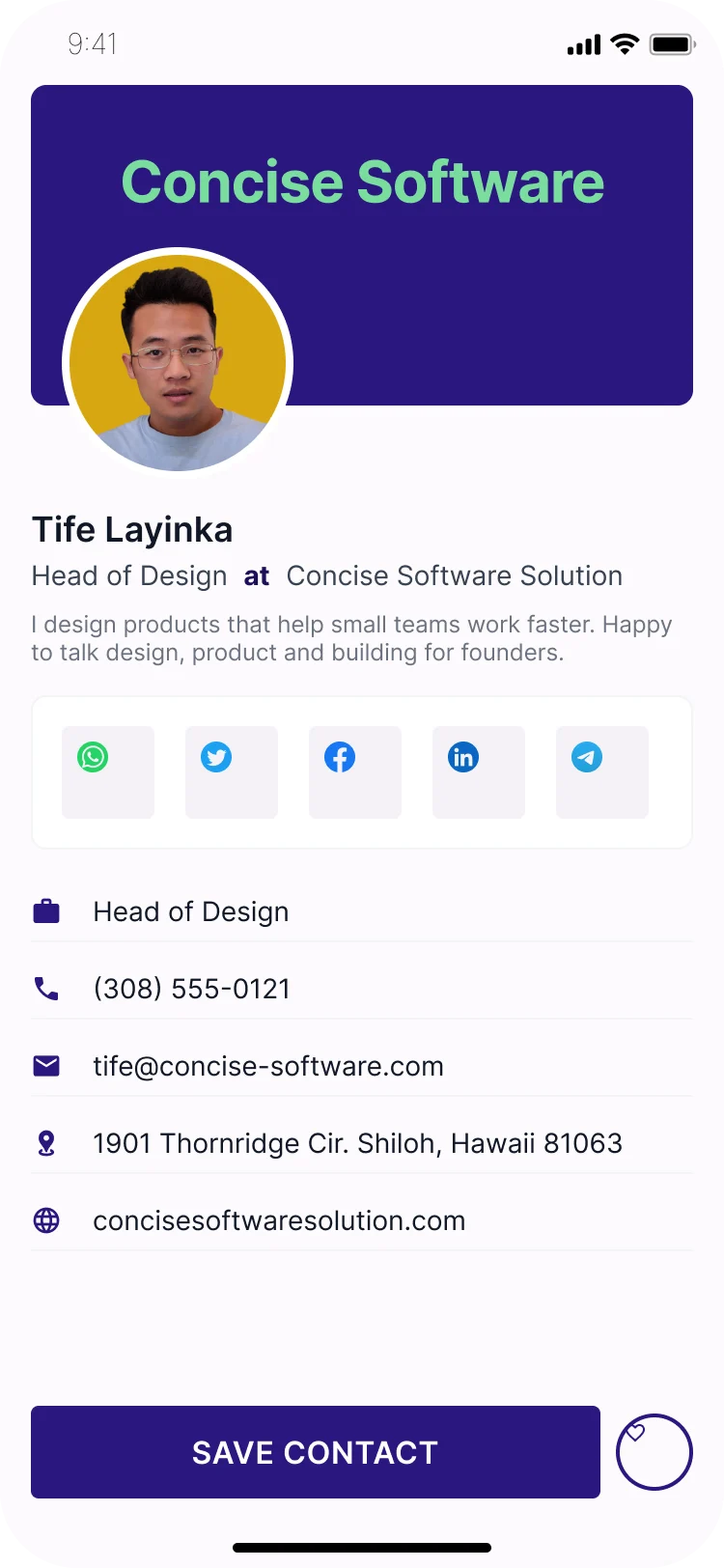
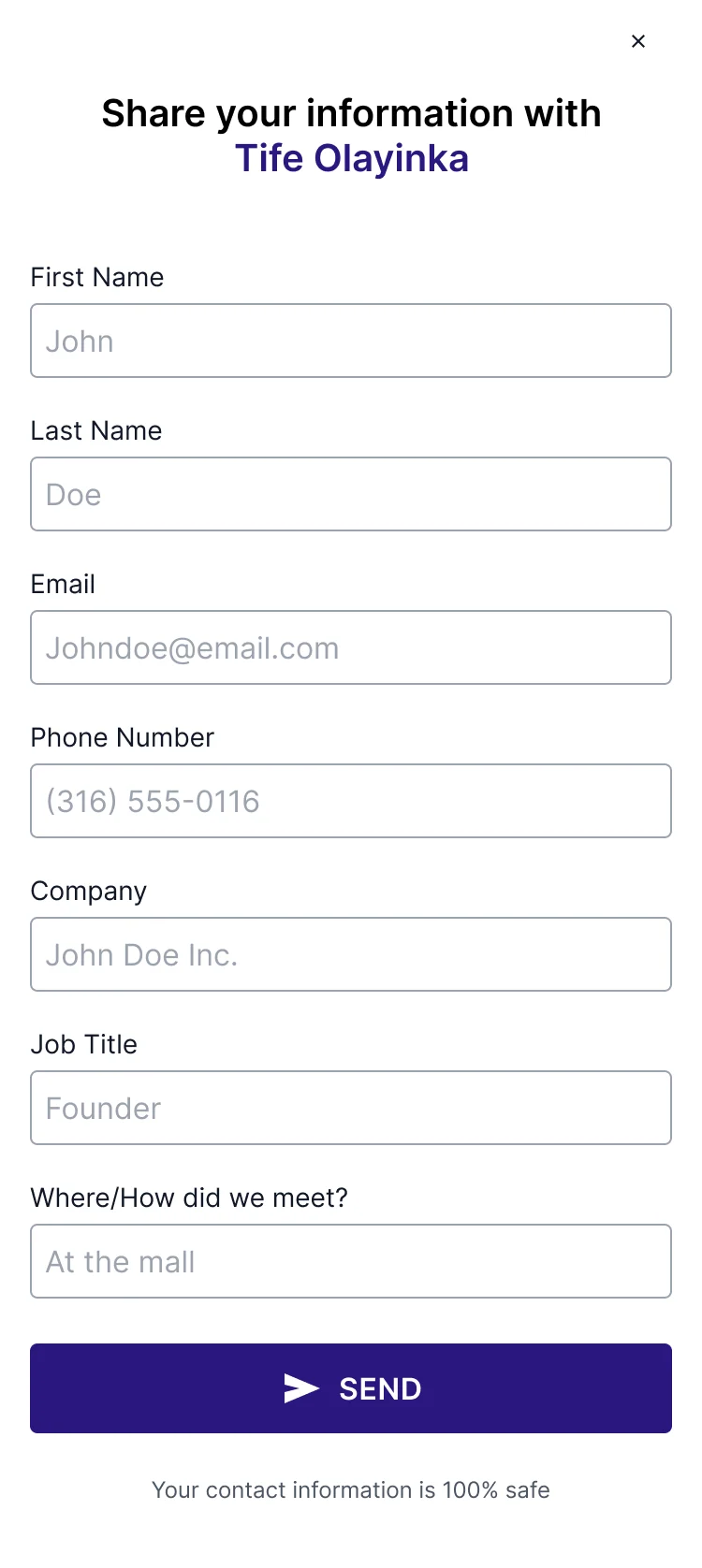

What the recipient sees
No app needed: the card opens in the browser and the contact can send their details back.
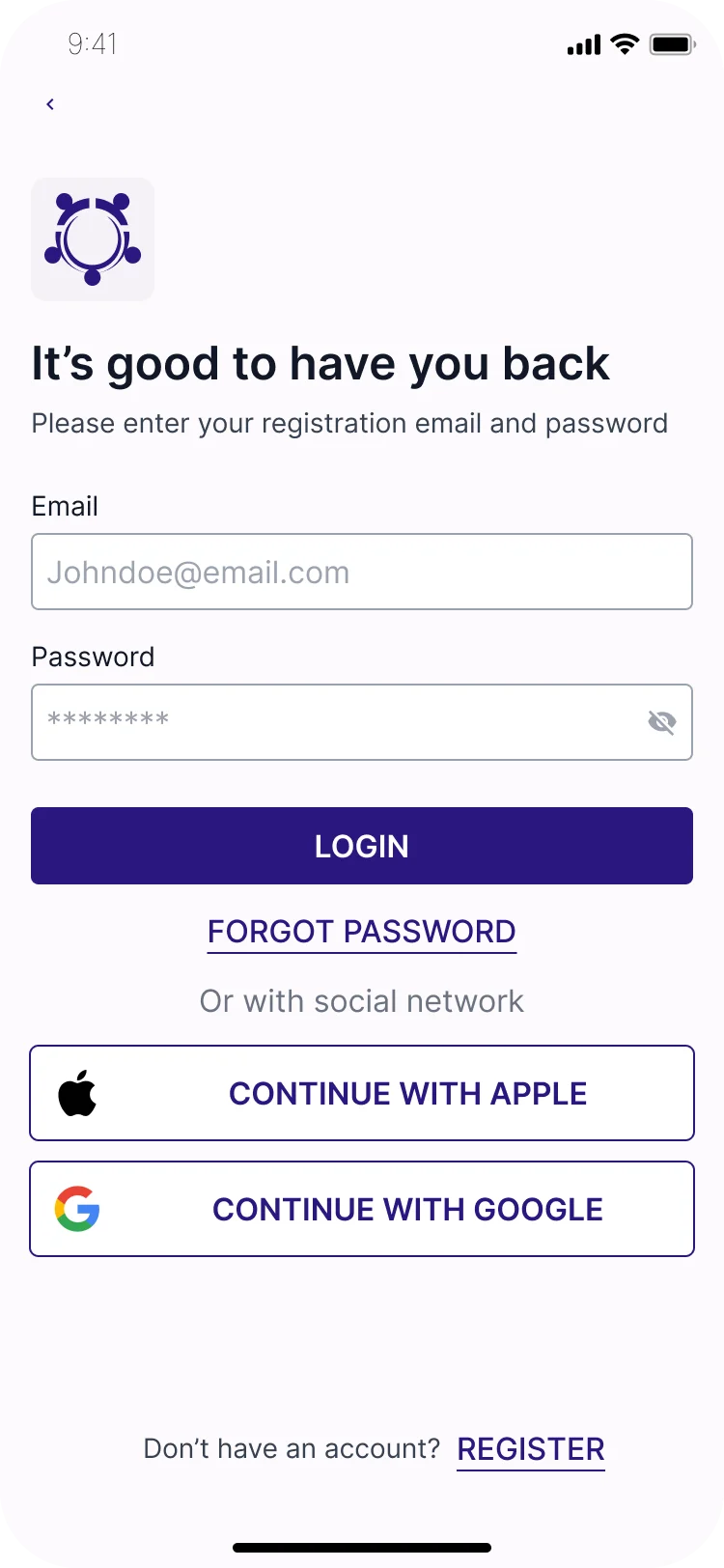
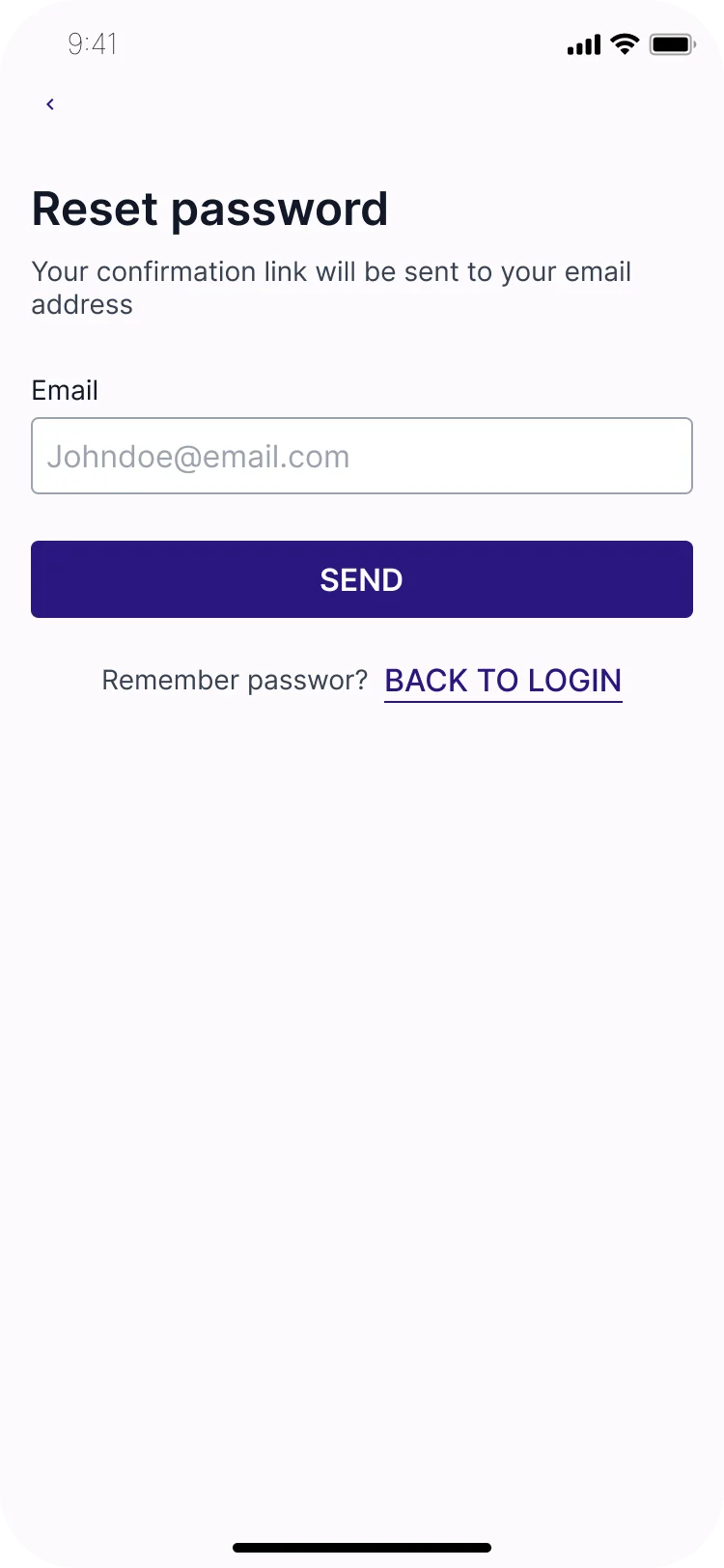

Log in and reset password
Getting back in, including a full password reset by email.
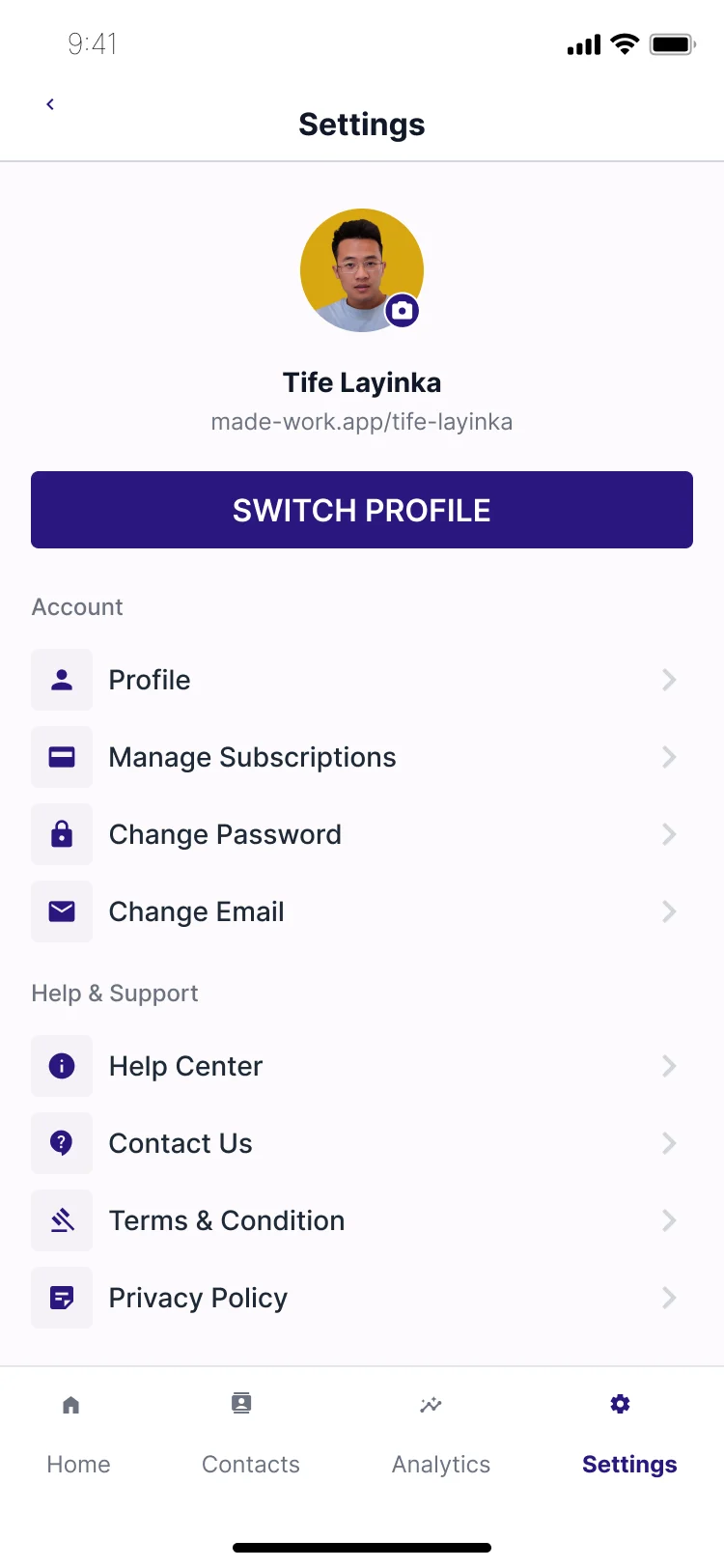

Settings, plans and help
Account, subscription and support, including cancelling and keeping a plan.
What happened
I led the research and design from July 2022 to February 2023 and delivered over 70 screens and emails, covering onboarding, sign-up, profile setup, sharing, scanning, contacts, analytics, subscriptions, settings and help, plus a component library. The developers built the app from these designs, and it was used by over 70 business owners in North Carolina before it was discontinued when funding and priorities changed.
What I would do differently: put the setup flow in front of real business owners before designing analytics and billing. Testing the first few minutes of the product with real users would have shown us much earlier whether the core idea was strong enough.
Let's talk
Want something like Made-Work for your business? Book a free strategy call and leave with a clear next step.